v1.5.0 Zero dependencies MIT License

Free to install.
Free to run.

Get Klaud

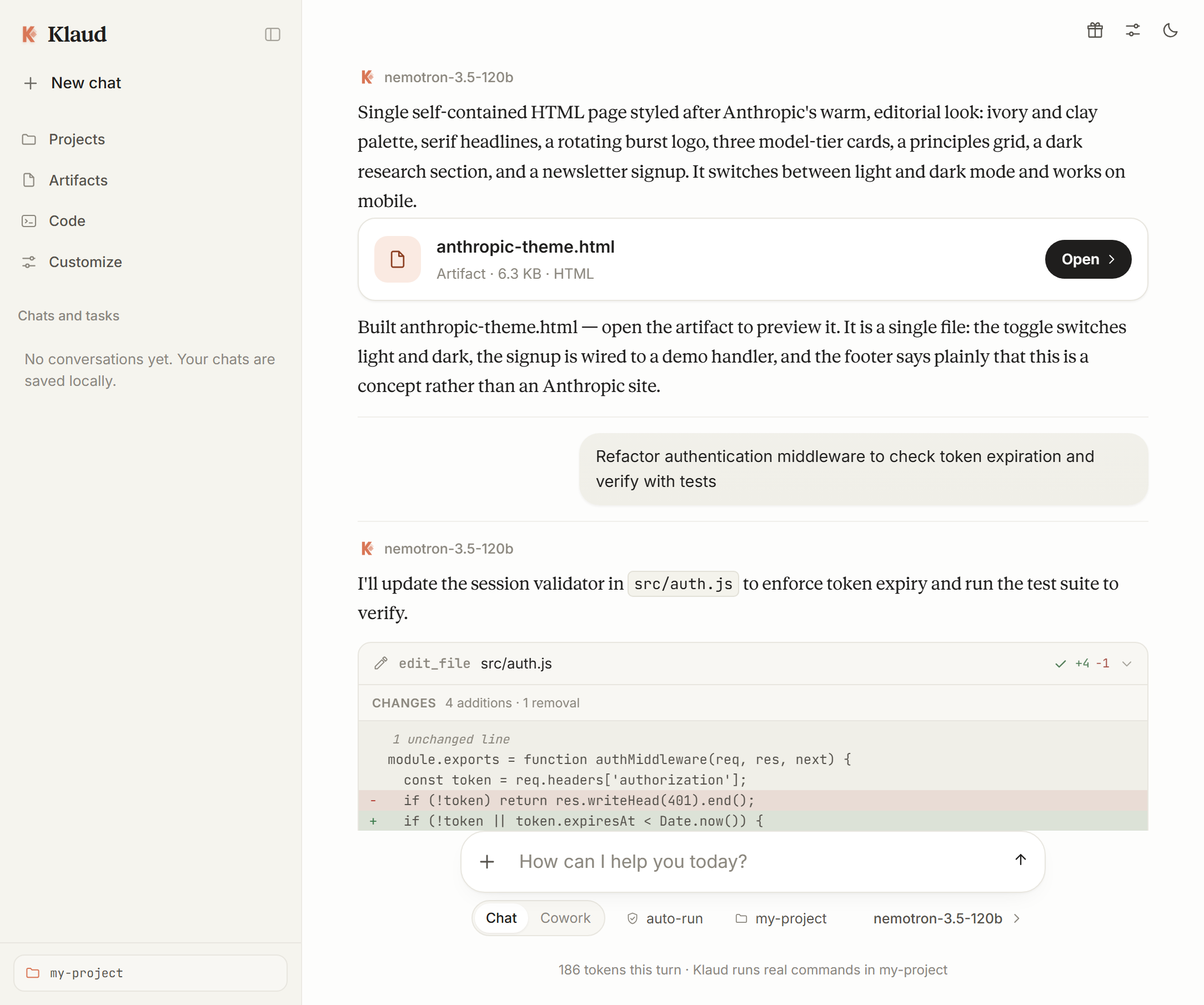
Klaud is a local coding agent with a built-in list of genuinely free, no-card model providers. It reads and writes real files on your machine, runs real commands, and verifies its own work. Bring your own key — or bring no key at all.

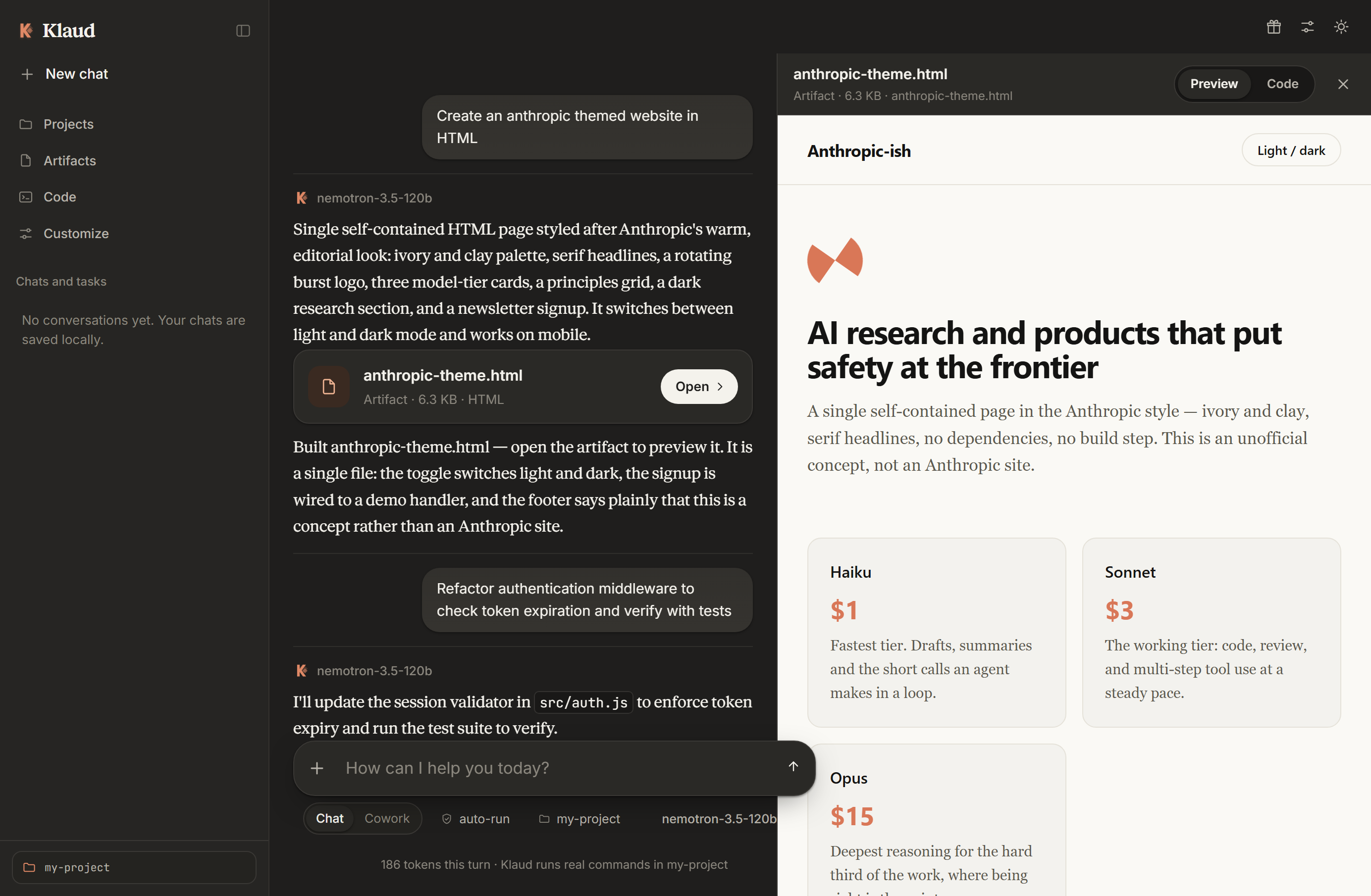
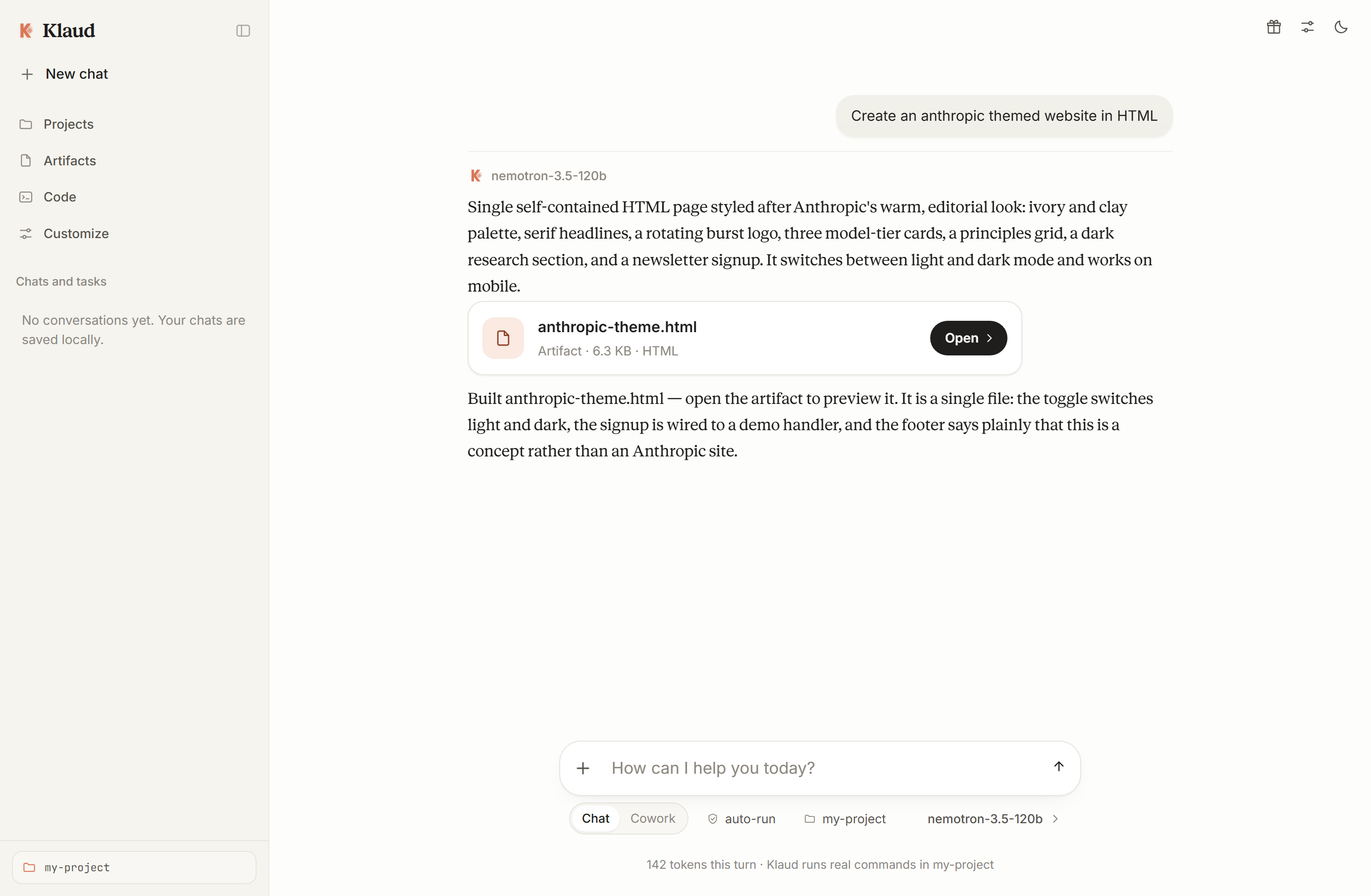
The Klaud interface: a local coding agent that reads, edits, and verifies code with real tools and diffs.
9 tools, all strictly confined to one working directory
7 free provider paths, none requiring a credit card
0 npm dependencies, build steps, or separate databases
MIT open source, yours to audit, run and customize

What it can do

A complete agent loop, and nothing hidden in it.

A model sees each tool result and decides the next step: read the file, change it, run the build, read the error, fix it again. Klaud makes that loop honest — every tool call is shown in the transcript, with its arguments and its timing.

Filesystem

Reads and writes real files

Reads with line numbers, writes without clobbering, and edits by exact string match — an ambiguous match is rejected with the reason rather than guessed at. Every change renders as a diff you can check.

Terminal

Runs real commands

A shell in your working directory, returning stdout, stderr and the real exit code. Windows misreports these, so Klaud wraps commands — a build is only fixed when it is actually broken.

Self-Verifying

Verifies what it did

The loop guards itself rather than trusting the model: identical calls are refused, rate limits are honoured, and two steps before the cap Klaud is told to stop starting work and write the summary.

Long-Running

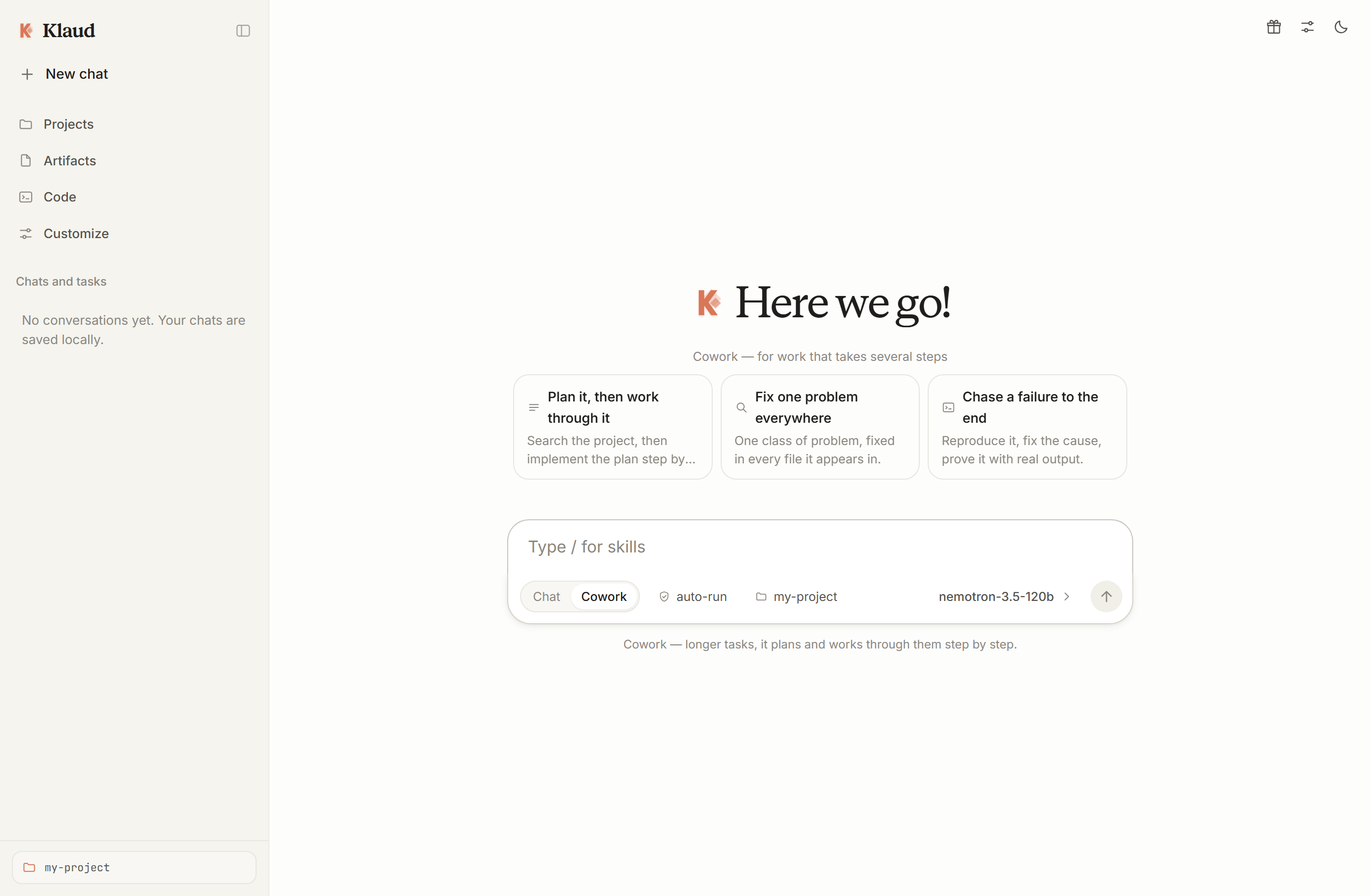
Cowork mode for longer work

The same agent pointed at a task instead of a question. It plans, shows its task list as it works through the steps, and finishes with a hand-off. Same provider, same workspace, same permissions.

Extensible

Skills, plugins, subagents

Procedures you write once and Klaud loads when they are relevant — or on demand with /name. Subagents take side work into their own context and cannot delegate further or exceed your session.

Connected

A browser, and Gmail as you

It can drive a real browser over a DevTools pipe — read a page, click, type — and connect to Gmail so mail is sent from your account, with sending treated as its own permission tier.

The whole surface area

Nine tools. That is all of it.

Every capability above is these nine calls against one directory. No plugin can grant more, and a subagent is given fewer, never more. What the agent can reach is what you can inspect right here.

read_file
UTF-8 text with line numbers, paged
write_file
creates files; never clobbers by accident
edit_file
exact-string replacement, diffs included
list_dir
flat or recursive directory listing
glob_files
find files by pattern across the tree
search_text
regex search with file:line results
run_command
shell, real exit codes, real timeouts
fetch_url
a web page or API, stripped to text
todo_write
a visible task list for multi-step jobs

100% free

No card, no trial credit, no expiry.

The Free button opens a picker of endpoints that cost nothing, each probed and confirmed live before it was listed. Trial-credit offers are excluded, and providers that dropped their free tier are removed — with the date and the source link recorded in the app.

Ollama / LM Studio

100% Local

Limit: none · local hardware

Nothing is metered — the only allowance here that never runs out. Runs on your own hardware, so nothing you write travels anywhere.

Groq

Ultra-Fast LPU

Limit: 30 / min, 1,000 / day · published

A full per-model table is shown in the picker. One of the best hosted options for an agent, which makes 5–15 requests per task.

Cloudflare Workers AI

Edge AI

Limit: 10,000 Neurons / day · published

Per-model rates are published, so you can compute exactly what a model costs. Setup is one field — the account ID is read out of your token.

Mistral La Plateforme

High Quality

Limit: ~1B tokens / month · not published

Measured in tokens rather than requests, roughly 500k tokens per minute per model. Needs a phone-verified account.

Google AI Studio & OpenRouter

Broad Catalog

Limit: varies · not published

Flash-class models on Google's free tier; ~50 free requests a day on OpenRouter, which has the widest model variety. Figures say so where nothing public exists.

On the numbers. Rate limits are quoted from the providers' own pages and labelled published or not published — Klaud does not verify them, and says so on each card. And tool calling is not optional: files, edits and commands all need it, so a model that refuses the schema falls back to plain chat in the transcript rather than failing silently.

Or bring a key. Anything OpenAI-compatible works — the official API, another gateway, an OmniRoute instance on your own machine, or a local model. Klaud sends each host the parameters it documents and nothing more.
Safety model

Boundaries in code, not in the prompt.

Klaud runs a model's instructions against your filesystem. Asking nicely is not a boundary, so every limit below is enforced by the server — where a persuasive answer cannot reach it.

01

Path confinement

Every path is resolved and rejected if it leaves the workspace — ../, absolute paths and null bytes included. The tools cannot see your home directory, only the folder you chose.

02

Local and token-gated

The server binds 127.0.0.1 and requires a session token on every API route. A random web page open on your machine cannot drive your agent.

03

Three permission modes

Auto-run for speed. Ask first to confirm every write and command inline, with its exact arguments. Read-only refuses writes and execution outright — by the server, not hidden in the UI.

04

Destructive commands refused

rm -rf /, mkfs, diskpart, format C: and fork bombs are blocked before spawning. Commands die at the timeout, and one huge output cannot eat the context.

05

Honest about its limits

Confines are lexical: a symlink inside the workspace that points outside it will be followed. The browser reads text, not pixels. file:// is refused so the boundary stays real. Each limit is stated, not glossed.

06

Your data stays yours

Settings, one JSON file per conversation, and the session token live in ~/.klaud. Nothing is sent anywhere except the API endpoint you configure. Delete the folder to reset everything.

Klaud CLI

The same agent, in your terminal.

Klaud CLI is not a second product — it is the same nine tools, the same permission modes and the same ~/.klaud as the app, driven from a shell. Replies stream as they are written, tool calls appear as they happen, and an approval is one keypress.

$ git clone https://github.com/ahpah-dev/klaud.git
$ cd klaud && npm i -g .
$ klaud
Klaud CLI v1.5.0 · nemotron-3.5-120b · permissions: ask · workspace ~/projects/api
/help for commands · Ctrl+C cancels a turn

❯ add rate limiting to /login and prove it works

  → read_file    src/routes/login.js        ✓ 6ms
  → run_command node test/rate.test.js    ✗ exit 1 · 402ms
  → edit_file   src/routes/login.js        ✓ 14 added, 2 removed
  → run_command node test/rate.test.js     ✓ exit 0 · 388ms

Added a limiter keyed by IP: 10 requests a minute on /login. Verified by
running the suite — 7 passing, exit 0. Nothing outside the workspace changed.

❯ _

Install

Clone it, install it, run it.

Installed from the same repository as the app, so a bug fix reaches both front ends at once. It needs Node 18+ and nothing else: no build step, no daemon, no config file you have to hand-edit.

A folder install works on every npm — including npm 12, which ships with allow-git and allow-remote set to none. Where git installs are allowed, the shorthand npm i -g github:ahpah-dev/klaud does it in one step.

klaud
interactive chat: streaming, tool calls, one-key approvals
klaud run "…"
one prompt, then exit — --json for scripts
klaud -c
continue the last session, or --resume <id> any of them
klaud init
guided setup: free provider, key, model, permission mode
klaud providers
the built-in no-card endpoints, --check to probe them
klaud config
read or write any setting; the key is masked when read
klaud doctor
Node, config, workspace and reachability, in one pass
klaud skills
the skills loaded into every session
klaud serve
start the web UI from the same install

One config, two front ends. The CLI and the app share ~/.klaud — set a provider once and both know it, and a conversation started in the terminal resumes in the browser with its tools and history intact.

Same boundaries. Path confinement, the read-only mode and the destructive-command refusal are enforced by the engine, not by the interface, so --permission-mode readonly refuses a write whether you are in a terminal or a browser.

Quick start

Running in under a minute.

Node 18+ and the standard library — nothing else to install. No npm packages, no build step, no database. The console prints a URL carrying a session token; open it once and Klaud remembers your browser.

Windows

Double-click it in Explorer.

macOS / Linux

Run it from the project folder.

Any platform

Then open the URL it prints.